.png)
Remove a Course from a User
To remove a course from a user:
1. In your Manage area, under the Users tab, search for the user name.
2. Next to the User, click View to open their profile
3. Click on the Courses tile.
4. Click on the Course tile you wish to remove
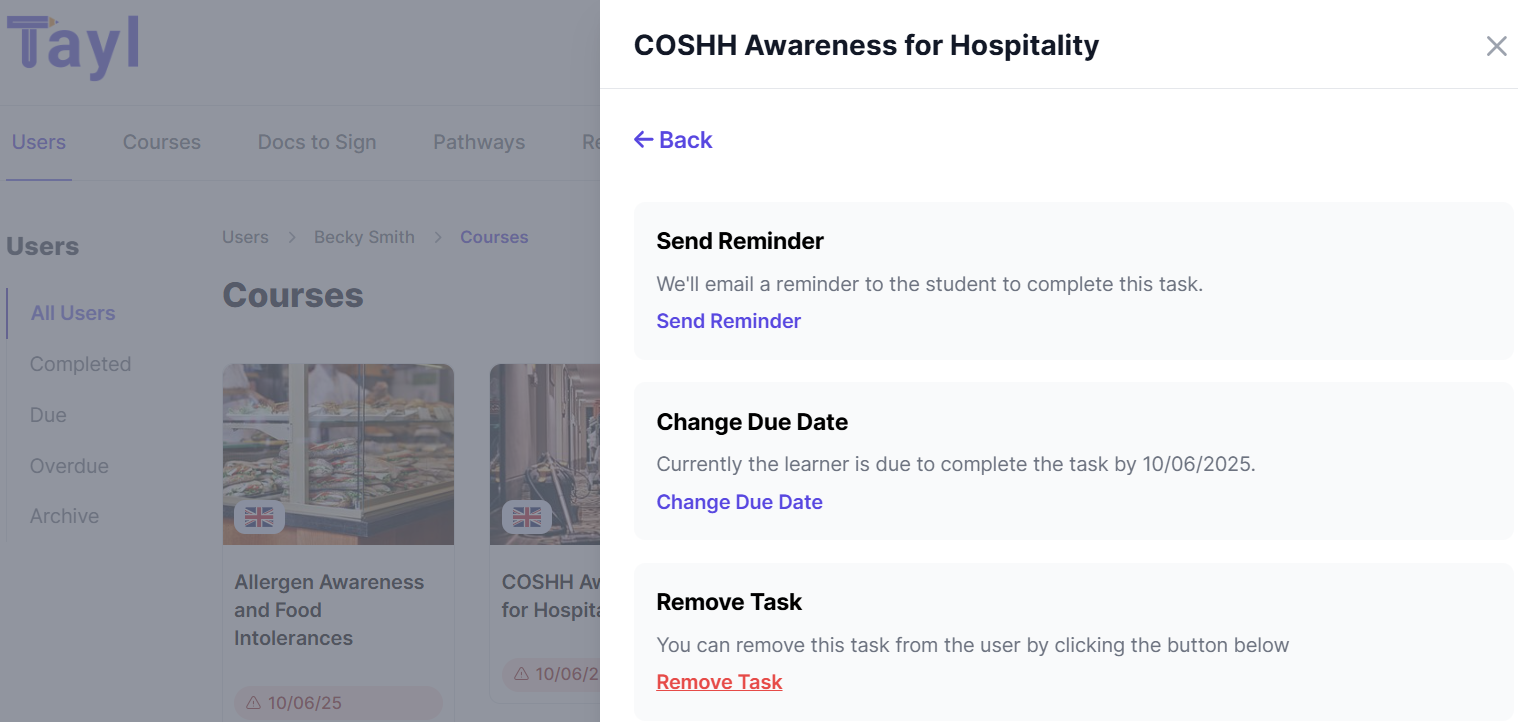
5. Select Settings from the pop out window
6. Click on Remove Task
7. Select Are you sure? to remove the task from the user.