.png)
Maintenance Mode
Maintenance mode is a feature that allows you to take your site offline for maintenance. When maintenance mode is enabled, only users with the "manage" permission will still be able to access the site. All your learners will see a maintenance page.
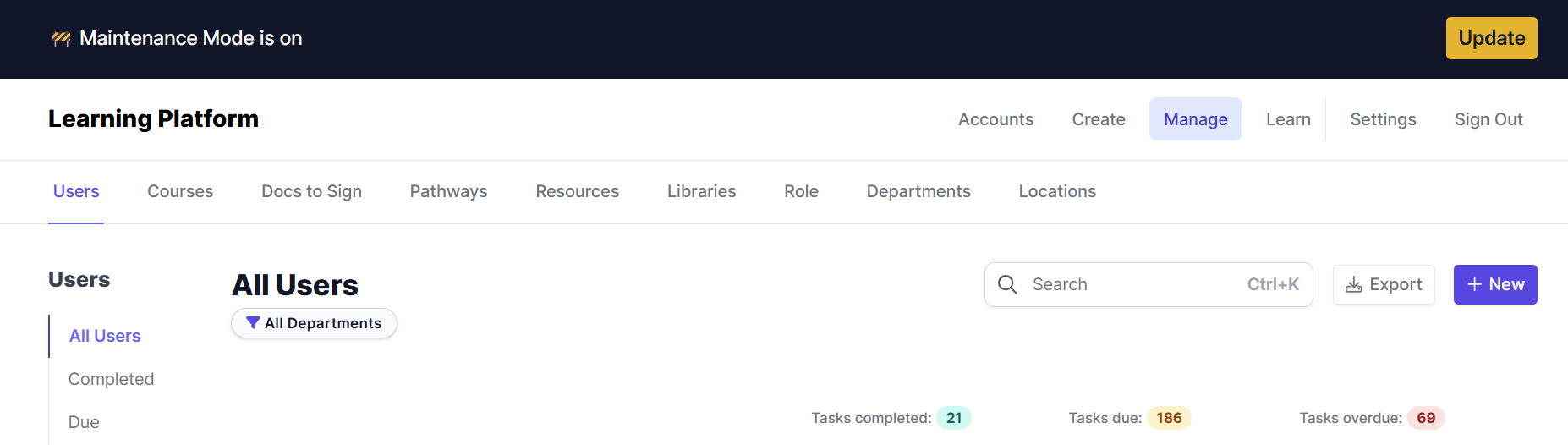
This feature is useful when you need to make changes to your site that require downtime. For example, you might want to enable maintenance mode when you are updating your site's theme or making significant changes your site's structure.
To activate Maintenance Mode:
- Go to the Settings Tab
- Click on Maintenance Mode in the Account Settings Area
- Click Turn on Maintenance Mode.
To deactivate Maintenance mode, go to the same page and click Turn off maintenance mode
PLEASE NOTE: Activating Maintenance Mode does not stop emails from being sent. To pause all automated system emails, go to Settings → Notifications and disable them there.